Guide
What Is an AI Service Desk for MSPs? Everything You Need to Know in 2026
By NetZen AI
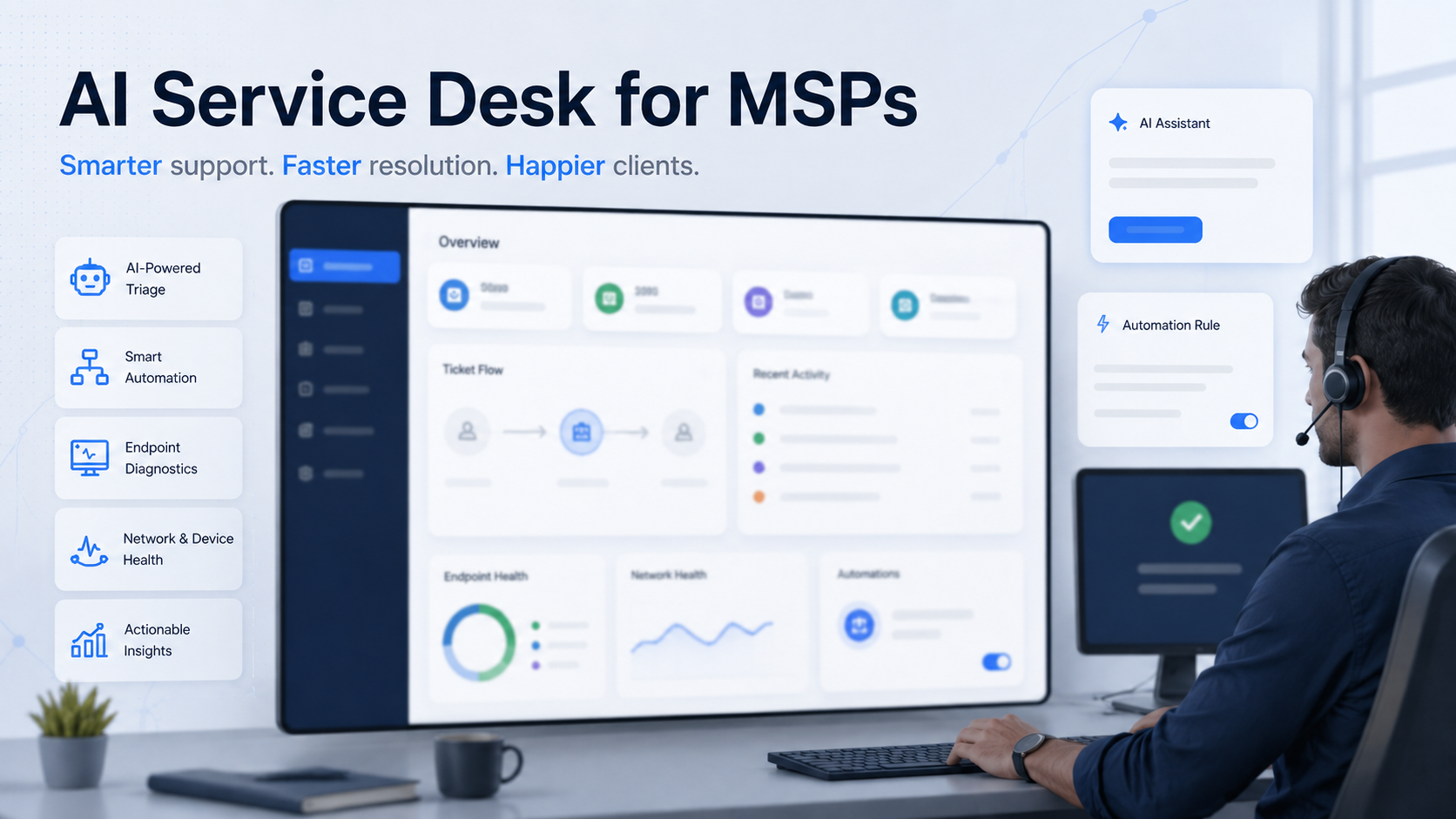
An AI service desk for MSPs is a modern support platform that uses artificial intelligence to improve IT support. It helps managed service providers receive, understand, route, and resolve support requests faster.
It is not just a chatbot. It is also not only a ticketing tool. A true AI service desk supports the full service workflow. It helps with ticket intake, AI ticket triage, user communication, diagnostics, automation, and technician support.
For MSPs, this matters because support teams handle repeated issues every day. A user may report that a laptop is slow. Another may say the internet is not working. Another may need help with access, software, or device health.
Traditional ticketing tools help MSPs record and assign these requests. That is useful, but it is often not enough. A ticket can show what the user said. It may not explain what is really happening.
An AI service desk goes further. It helps collect the right context, understand the issue faster, and guide the next step. In some cases, it can also suggest self service steps or trigger approved automation.
This guide explains what an AI service desk for MSPs is, how it works, where it helps, and what to look for when choosing one.
AI Service Desk for MSPs: A Clear Definition
An AI service desk for MSPs is a support platform that uses AI to improve how IT support requests move through the service desk.
For many MSPs, the service desk is the center of daily operations. It receives requests from users. It helps technicians manage work. It tracks communication. It creates a record of what happened. The service desk also connects support work with client experience, service levels, reporting, and business operations.
A traditional service desk depends heavily on human review. A dispatcher or technician reads the ticket, asks questions, checks tools, assigns priority, and decides what to do next.
An AI service desk supports parts of that workflow. It can collect missing details from the user. It can summarize the request. It can classify the ticket. It can suggest priority. It can find related knowledge. When connected to endpoint tools, it can also check device or network signals.
The goal is not to remove the technician. The goal is to give technicians better context earlier. That is the main shift. A traditional service desk helps manage tickets. An AI service desk helps understand and resolve issues.
Why MSPs Are Paying Attention to AI Service Desks
MSPs are under pressure to deliver faster support without increasing headcount at the same rate. This is not easy. Many MSPs serve multiple clients, users, devices, locations, and applications. Each support request can require context from many places.
The ticket may be in one system. Device data may be in another. Chat history may be in Teams or Slack. Remote access, documentation, and automation may also live in separate tools. This creates tool switching. It also creates delay.
When technicians move between many tools, they spend more time collecting information. This can slow down triage and resolution. An AI service desk can reduce this friction. It can connect the support request with the context needed to act. That is why AI service desk software is becoming an important topic for MSPs in 2026.
MSPs are not only looking for faster ticket handling. They want better ways to understand issues, reduce repeated work, and improve technician productivity.
AI Service Desk vs Traditional Ticketing
Traditional ticketing software is useful. It helps teams capture requests, assign work, track status, and report on service activity. But ticketing alone does not always help technicians understand the issue.
A ticket may say, “My computer is slow.” That statement is not enough. The technician still needs to know what is slow, when it started, and what changed. They may also need to check CPU, memory, disk space, battery health, network strength, recent errors, and running processes.
A traditional ticketing tool stores the issue. An AI service desk can help investigate the issue. That is the key difference. The best AI service desk for MSPs should not only create tickets. It should turn vague user requests into useful technical context.
This matters because many tickets start with incomplete information. Users describe symptoms in plain language. They may not know which details matter. An AI service desk helps bridge that gap.
AI Service Desk vs Chatbot
Many people confuse AI service desks with chatbots. This is understandable because some AI service desk features appear inside chat. A user may ask for help in Microsoft Teams, Slack, email, or a web chat. The AI may ask questions and collect details.
But a true AI service desk should do more than respond to messages. A chatbot mainly handles conversation. An AI service desk supports the service workflow. It can create or update tickets. It can collect structured information. It can route the ticket. It can search knowledge. It can also help technicians understand the issue, recommend actions, and connect with diagnostics and automation.
A chatbot may say, “I have created a ticket.” An AI service desk should help move the issue closer to resolution. That difference is important for MSPs. MSPs do not only need another chat interface. They need a better support workflow.
What Does an AI Service Desk for MSPs Actually Do?
An AI service desk can support many parts of the MSP service workflow. The value comes from how these parts work together.
Ticket Intake
AI can help collect better information when a user reports an issue. Instead of accepting a vague message, the system can ask simple follow up questions. If a user says the internet is not working, the AI can ask whether the issue affects one device or many devices. It can also ask whether WiFi is connected, whether VPN is active, and when the issue started. This reduces manual back and forth. It also gives technicians a clearer starting point.
Ticket Classification and Routing
AI can classify requests by type. Examples include access issues, device issues, network issues, software issues, security alerts, and service requests. This helps dispatchers and technicians understand the work faster. AI can also suggest where a ticket should go. Routing still needs clear rules and human oversight. AI should not become a black box. But it can reduce manual sorting and help teams spend more time on resolution.
Context Collection
Context collection is one of the most important parts of an AI service desk. The best AI service desk for MSPs should collect context from the user and the environment. User context includes what happened, when it started, who is affected, and how urgent the issue is. Technical context may include device health, network signals, application errors, and recent system events. When this information is available earlier, technicians can make better decisions.
Knowledge Support and Technician Assistance
AI can help search internal knowledge articles, past tickets, and troubleshooting steps. This can help new technicians. It can also help experienced technicians handle repeated issues faster. AI can also summarize the issue, suggest next steps, explain likely causes, and help draft user replies. The system should not blindly apply old answers. Knowledge should support the technician, not replace judgment.
Self Service and Approved Automation
Some issues can be solved by the user with clear guidance. For example, AI may guide the user through restarting an application, checking WiFi, clearing disk space, or reconnecting a device. Self service works best for low risk tasks. Some issues can also be resolved with automation. For MSPs, automation should be controlled. Important actions should require approval. Actions should also be logged.
Why Endpoint Diagnostics Matter in an AI Service Desk
Many support requests are hard to understand from the ticket text alone. A user may describe the symptom, but the device may tell the story. A slow laptop could be caused by high CPU, low memory, full disk, poor battery health, a failed update, or a background process.
If technicians only see the ticket, they start with limited context. If they also see endpoint diagnostics, they can begin with better information. This is where NetZen AI focuses its differentiation. NetZen connects every support request with real endpoint diagnostics, so technicians start with answers, not guesswork.
For example, NetZen can help bring together user issue details, device health, CPU usage, memory usage, disk status, battery information, connectivity signals, recent errors, system health, and relevant next steps. This helps technicians understand the likely cause faster. It also reduces the need to jump between multiple tools.
Key Benefits of an AI Service Desk for MSPs
An AI service desk can help MSPs in several practical ways:
- Improve triage by collecting details, classifying issues, and routing tickets faster
- Reduce back and forth by collecting useful context earlier
- Give technicians better information in one place
- Improve consistency through standardized intake questions and summaries
- Support self service for simple issues
- Support safer automation for known issues
- Help MSPs scale without adding support staff at the same pace
Common AI Service Desk Use Cases for MSPs
AI service desks can support slow computer tickets, internet issues, password and access requests, software issues, and repetitive Level 1 requests. Many common issues follow similar steps. AI can guide the user, assist the technician, or trigger approved automation.
What to Look for in an AI Service Desk for MSPs
Not every tool that uses AI is a true AI service desk. MSPs should look beyond the AI label and focus on workflow impact. A strong AI service desk should collect structured details from users, work across the channels your clients already use, bring user and device context together, include endpoint diagnostics, support AI-assisted triage, fit into technician workflows, offer safe automation with human approval, integrate with PSA and RMM tools, and maintain a clear audit trail.
Most importantly, humans should stay in control. AI should support the team, not make high impact changes without review.
Trust, Accuracy, and Control in AI Service Desks
AI can help support teams, but it must be used carefully.
MSPs handle sensitive client systems. They cannot rely on uncontrolled automation.
A responsible AI service desk should include clear permissions, human approvals, logs of AI suggestions, safe automation boundaries, reviewable ticket summaries, secure access controls, and data protection practices.
The NIST AI Risk Management Framework is a useful reference for organizations thinking about responsible AI use.
For MSPs, the practical point is simple. AI should be helpful, controlled, and reviewable.
AI also does not remove the need for good service desk practices.
The PeopleCert ITIL Service Desk practice is a useful reference for service desk concepts.
AI should improve the workflow. It should not replace the discipline required to run a reliable service desk.
How NetZen AI Approaches the AI Service Desk
NetZen AI is building an AI IT platform for MSPs that connects ticket intake, endpoint diagnostics, and automation in one platform. The goal is to help MSPs move from ticket management to intelligent issue resolution. When a support request comes in, NetZen helps collect user context and technical context. For technical issues, it can connect the request with real endpoint diagnostics.
NetZen can also help guide users through simple self service steps. For common technical issues, it can support approved automation. This helps reduce back and forth. It also helps technicians resolve issues faster.
Learn more about the NetZen AI platform or about NetZen AI.
AI Service Desk Implementation Checklist for MSPs
Before adopting an AI service desk, MSPs should review their current service workflow:
- Map the current ticket flow across email, phone, Teams, Slack, portals, and alerts
- Identify repeated support requests your team handles often
- Review where context is missing in past tickets
- Define safe automation areas starting with low risk actions
- Set human review rules for AI suggestions and automated actions
- Measure outcomes before and after implementation
Useful metrics include first response time, resolution time, reopen rate, self service rate, and technician workload.
Common AI Service Desk Mistakes MSPs Should Avoid
AI service desk projects can fail when expectations are unclear. Common mistakes include treating AI as a chatbot only, automating without controls, ignoring technician experience, using AI without useful context, and measuring only ticket volume instead of resolution quality and technician productivity.
FAQ about AI Service Desk for MSPs
What is an AI service desk for MSPs?
An AI service desk for MSPs is a support platform that uses AI to help manage, understand, route, and resolve IT support requests.
Is an AI service desk the same as a chatbot?
No. A chatbot mainly responds to messages. An AI service desk supports the full workflow, including intake, triage, diagnostics, and automation.
Does an AI service desk replace technicians?
No. It helps technicians work faster by giving them better context, suggested next steps, and automation support.
Can an AI service desk replace PSA and RMM tools?
For most MSPs, NetZen is enough. If you want to keep some work in your PSA, you can continue using it for billing, contracts, and similar operations.
Why are endpoint diagnostics important?
Endpoint diagnostics help technicians understand what is happening on the user device or network. This reduces guesswork and speeds troubleshooting.
What are examples of AI service desk automation?
Examples include running diagnostics, collecting logs, checking device health, guiding self service, and triggering approved remediation.
Is an AI service desk useful for small MSPs?
Yes. Small MSPs often need to scale support without adding many new technicians.
What should MSPs look for in an AI service desk?
MSPs should look for strong intake, endpoint diagnostics, safe automation, integrations, audit logs, and human approval controls.
Conclusion
An AI service desk for MSPs is more than a new way to create tickets. It is a better way to understand and resolve support requests. Traditional ticketing tools help organize work. AI service desks improve the workflow around that work. They can collect better information, support triage, surface diagnostics, guide technicians, and enable approved automation. For MSPs, this can mean faster resolution, less back and forth, and better use of technician time.
The strongest AI service desk platforms will not only manage tickets. They will connect the ticket to the user, device, network, and next best action. That is the direction NetZen AI is building toward. NetZen AI helps MSPs move from ticket management to intelligent issue resolution.
Ready to see how an AI service desk can help your MSP? Start a 30-day free trial.