Knowledge Base
An AI knowledge base for IT support
Put your team’s procedures to work in user support and technical investigation. Bring existing documentation into NetZen and keep each customer’s knowledge in the right context.
Thanksgiving Offer
$50$100USD per technician per month*
Answers from your docs
The AI uses the procedures your team wrote, not generic advice.
Scoped per client
Each client’s procedures answer only that client’s tickets.
Shared where it helps
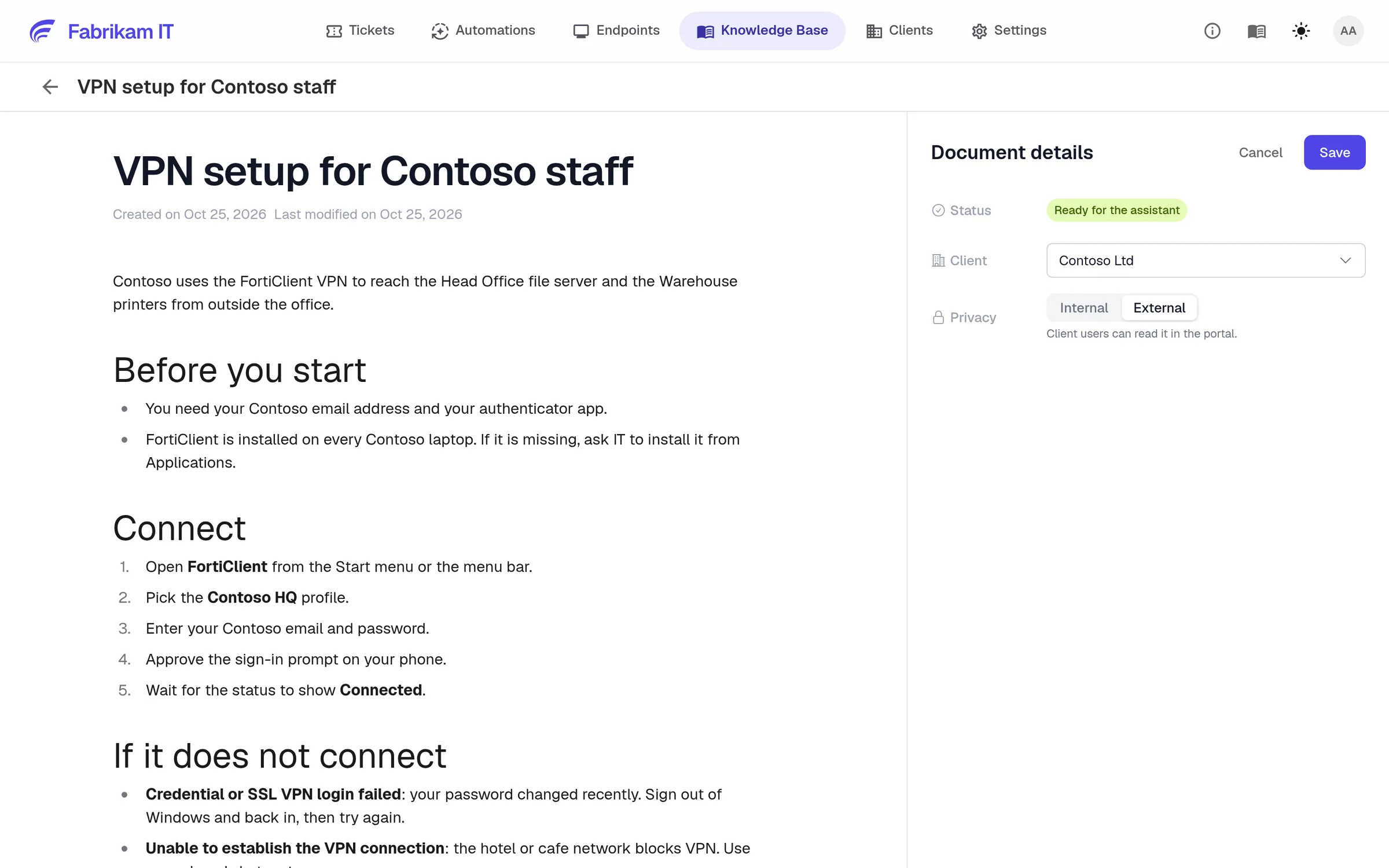
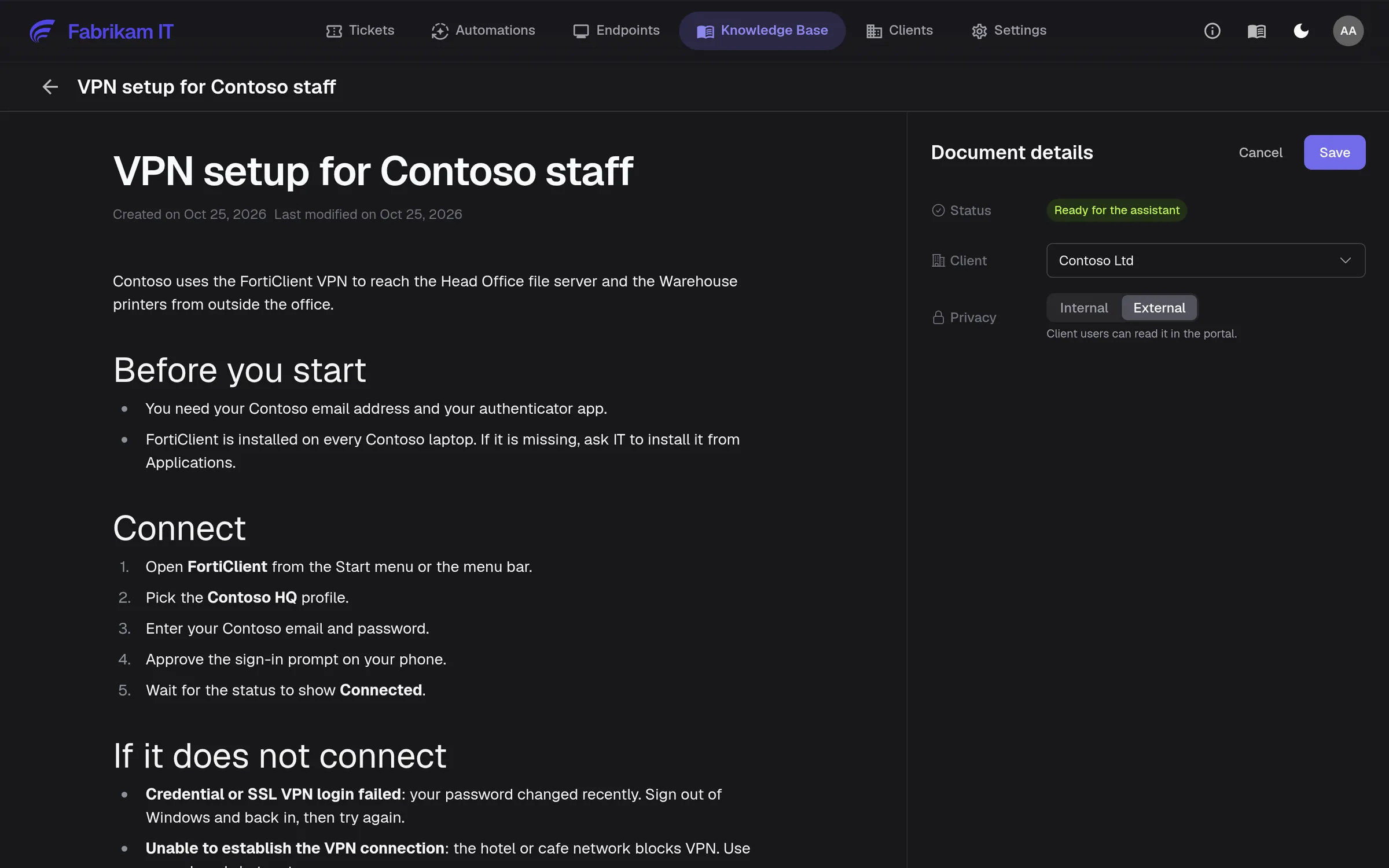
Mark an article external and that client’s users see it in their portal.
Write once
Write it once. The AI and your team use it everywhere.
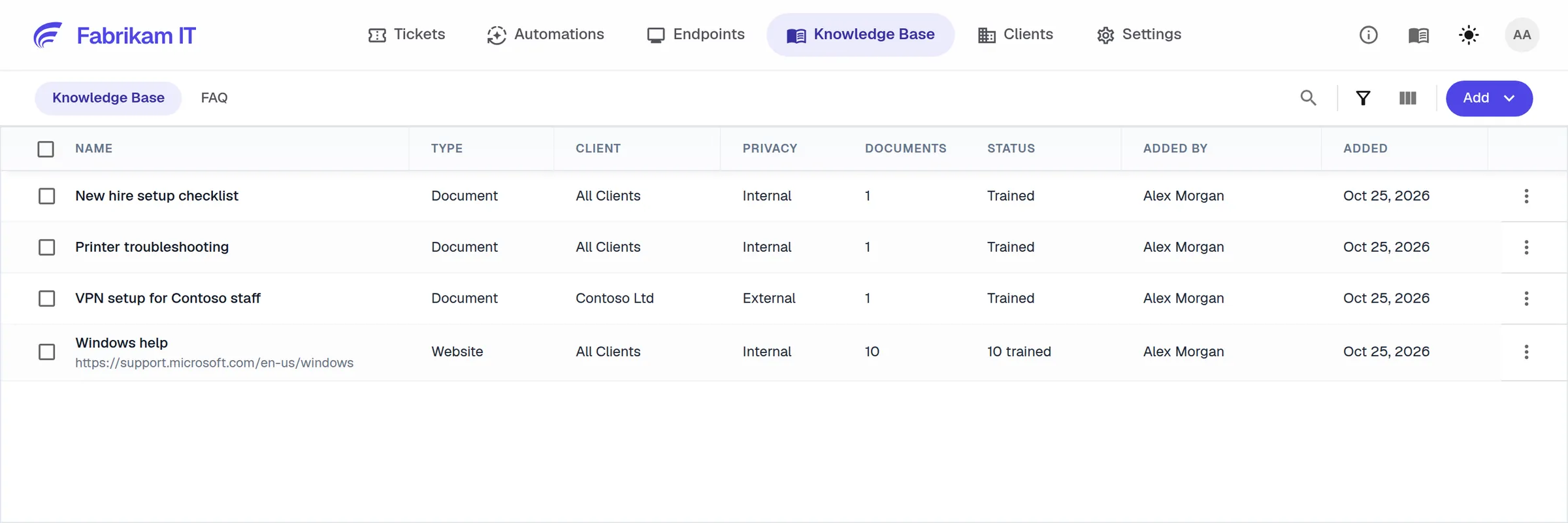
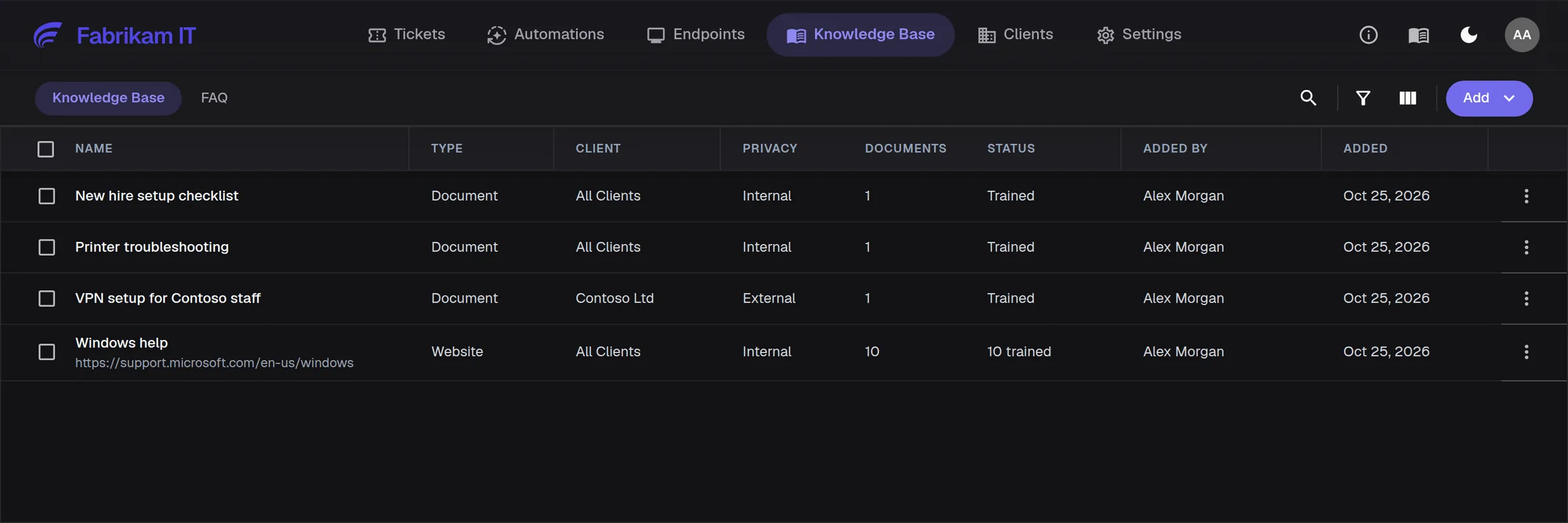
Write how-tos in a clean editor or upload Word, PDF and spreadsheet files. Each article belongs to all clients or one, and is internal or shared with that client’s users.
Documents, websites and FAQs in one place
Internal or client-facing per article
Ready for the AI once it is saved
In the ticket
The right article, at the moment it matters
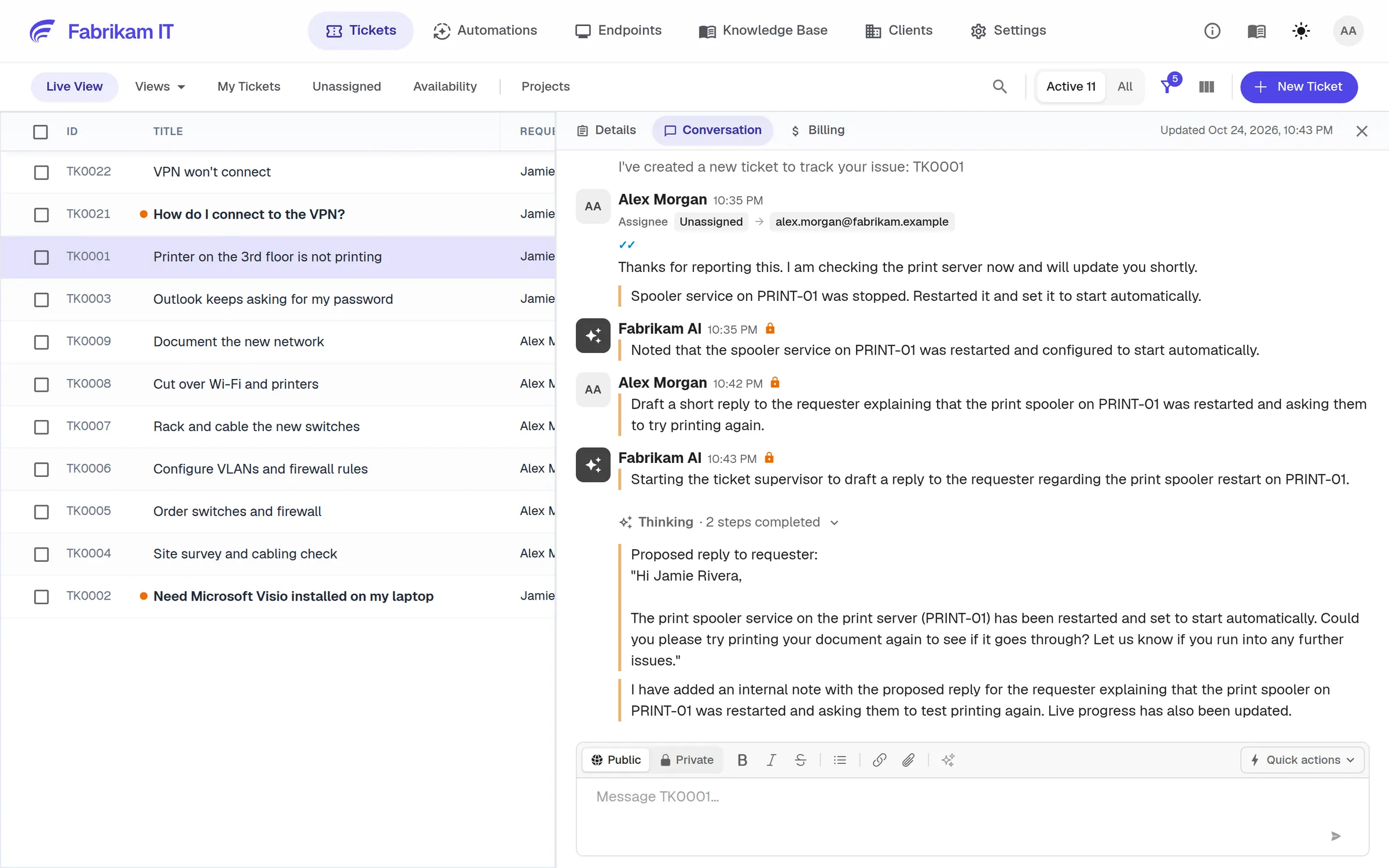
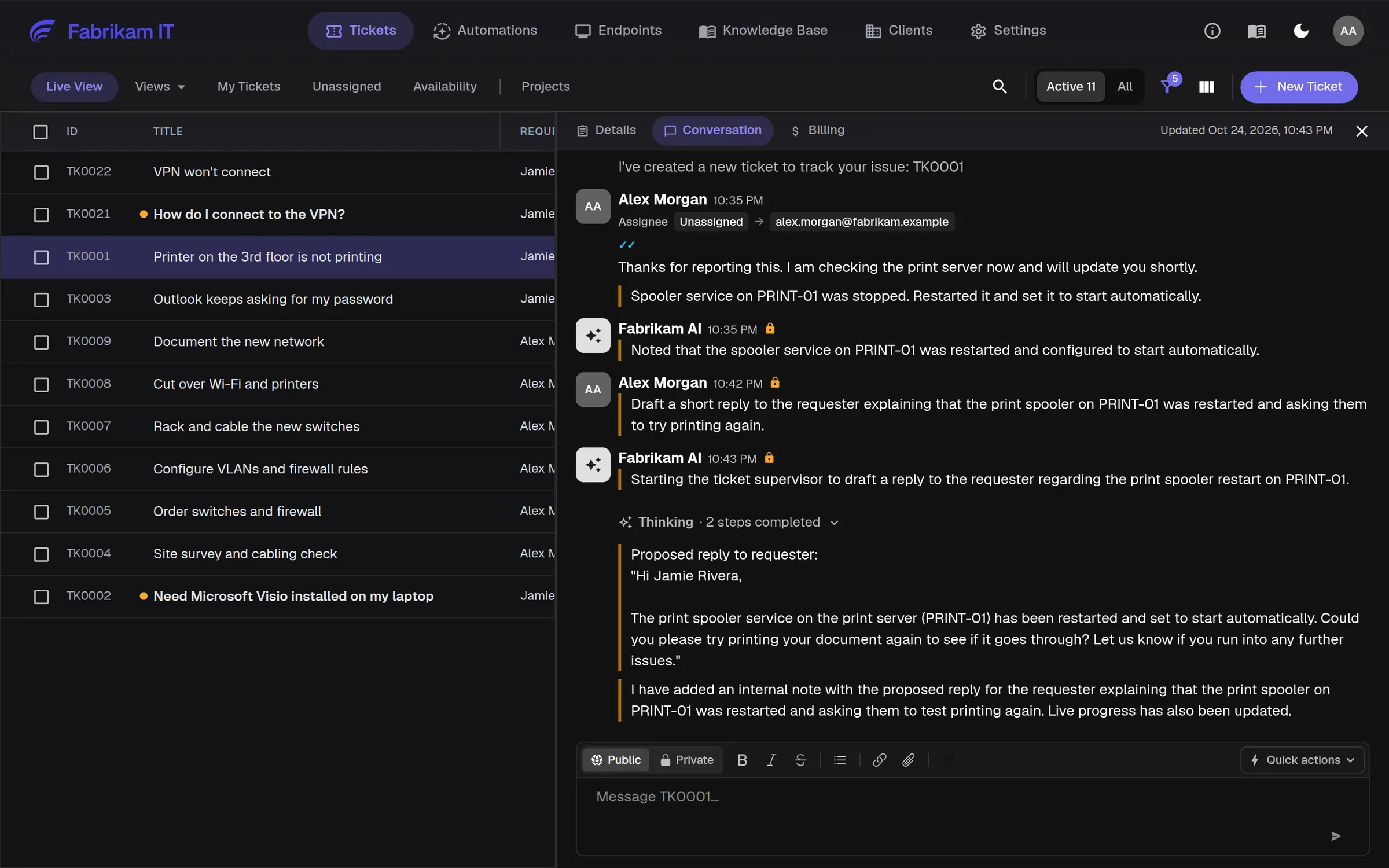
The AI quotes your steps to the user in plain language, and Ticket Copilot finds the matching article and similar past tickets while your technician works.
Plain-language answers for end users
Article and similar-ticket search for technicians
Fewer repeat questions every week
Bring the knowledge you already keep
IT Glue
Flexible assets and documents sync daily, matched to each client.
Hudu
Published articles sync daily, each used for its own client.
Websites
Add a vendor help site or your own pages and the AI reads them too.
FAQs
Short answers to the questions people ask most, kept apart from long articles.
For MSPs serving medium and large organizations
Customer operations
Keep customer procedures and specialist knowledge available to the technicians responsible for the work.
User support
Give users relevant guidance and help new technicians find the procedures experienced colleagues already use.
NetZen seems much more aligned with where support operations are heading rather than just adding an AI integration onto an older model.

Questions
Only the ones you mark external, and only that client’s users, in their portal.
It answers from the documents you give it, scoped to the requester’s client. You decide what it reads and what clients can see.