RMM
RMM for the devices your customers depend on
Monitor, maintain and support Windows, macOS and Linux devices across clients and sites. Connect device context to technical tickets so your team can investigate and act.
Thanksgiving Offer
$50$100USD per technician per month*
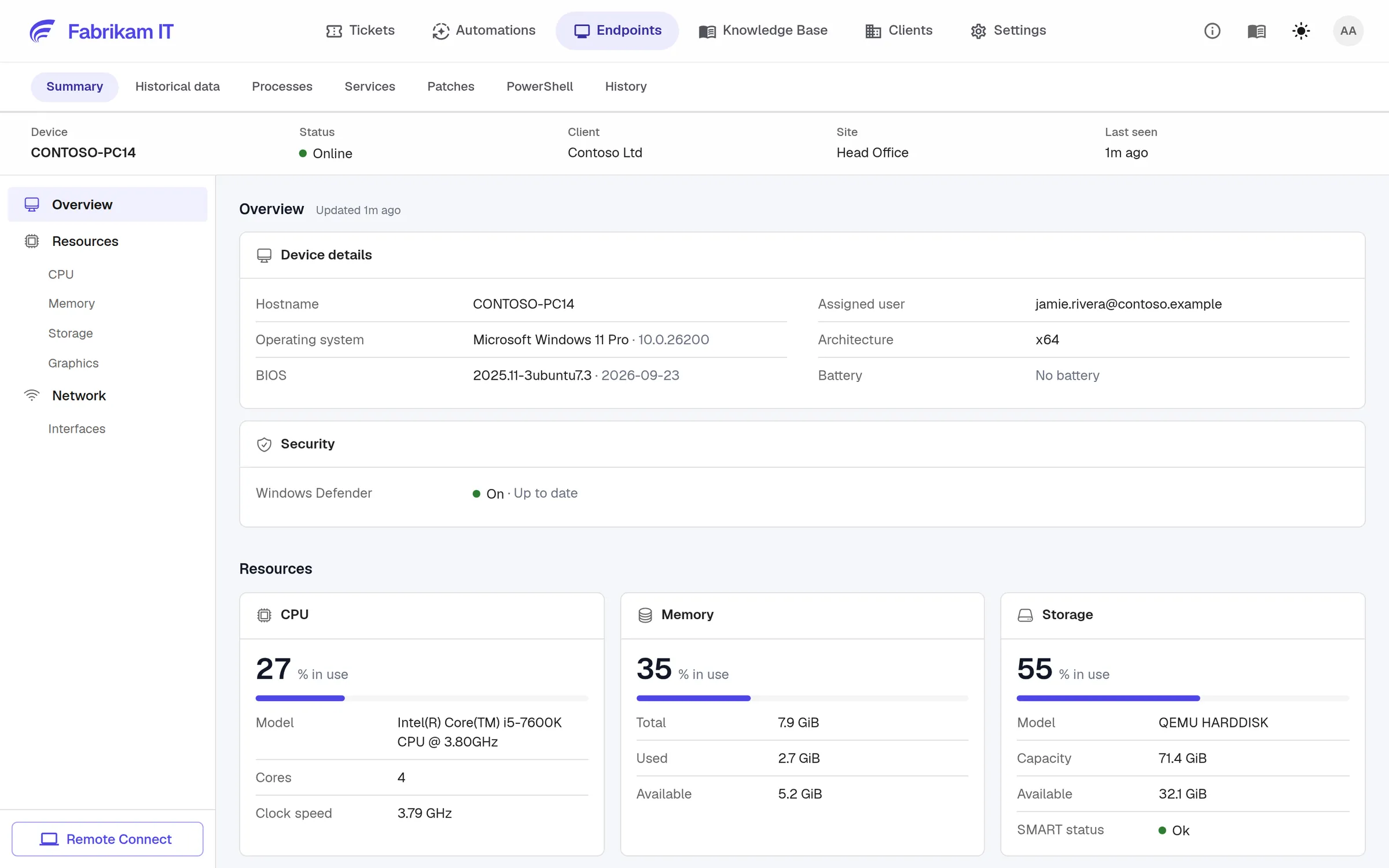
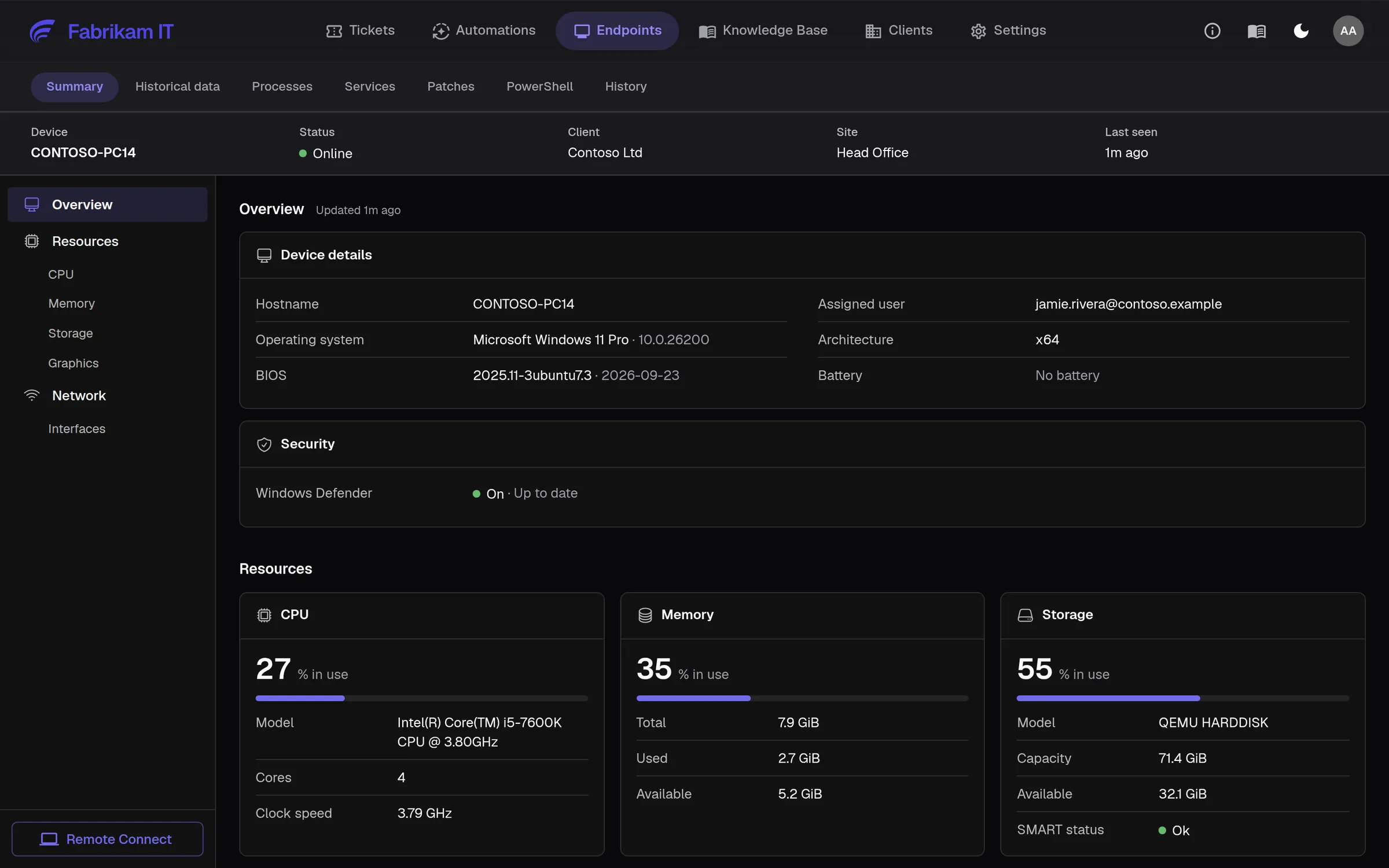
Visibility across customers
See device health and patch status across clients and sites.
Maintenance you control
Apply patch policies with pilot groups, maintenance windows and restart rules.
Support where it is needed
Investigate from the ticket and connect remotely when hands-on help is required.
Patching
Manage updates around customer operations
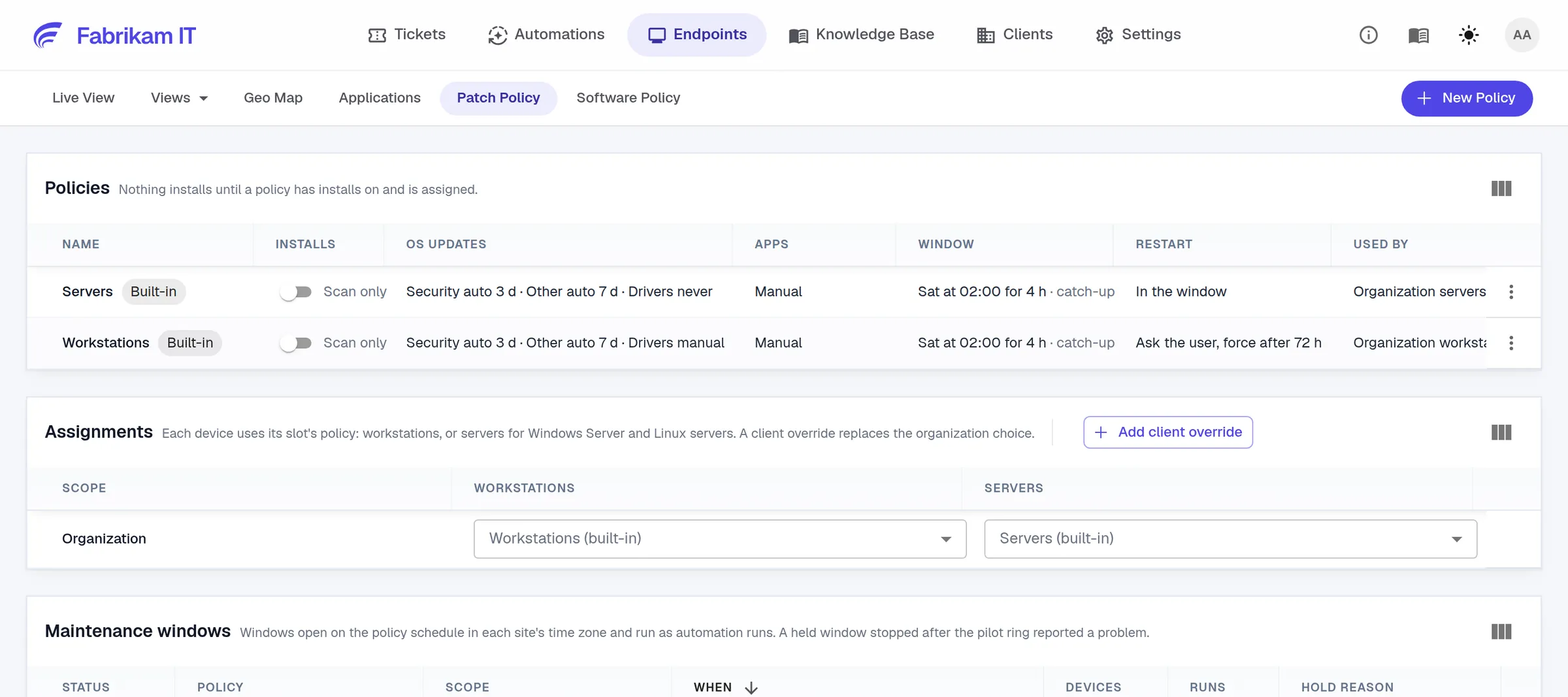
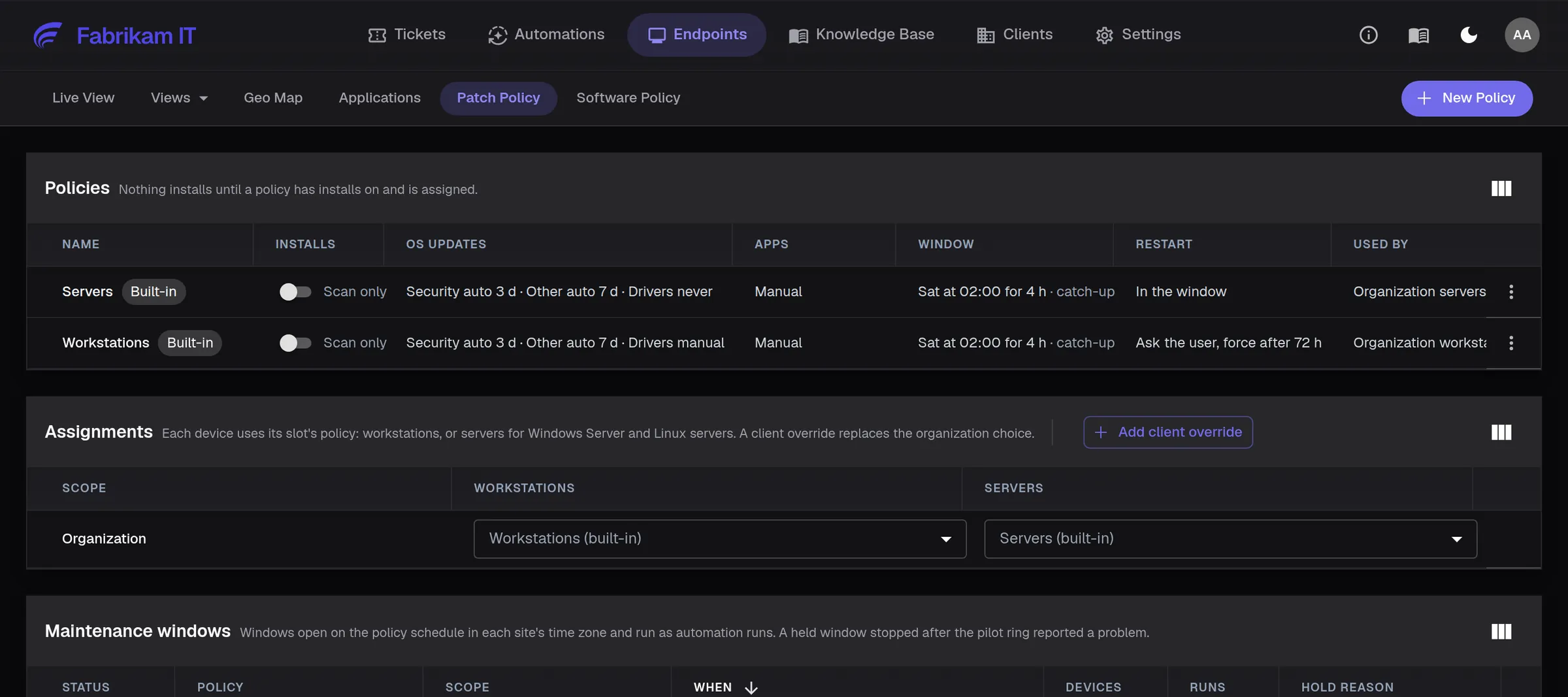
Set patch policies for servers and workstations, test with a pilot group and use maintenance windows that fit each site. See missing updates and install results in one place.
Separate policies for servers and workstations
Client overrides when one client needs different rules
A held window when a pilot reports a problem
Software
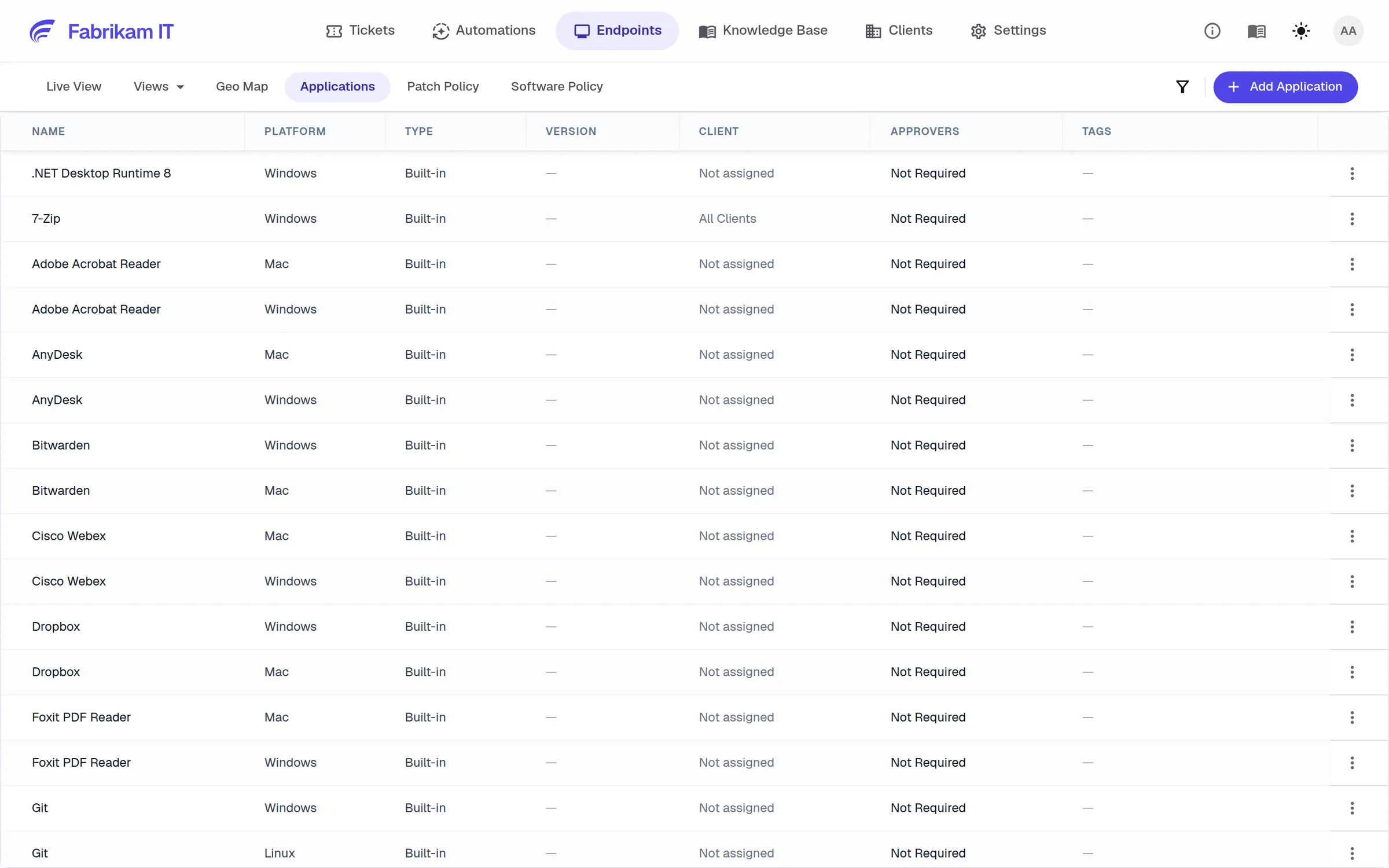
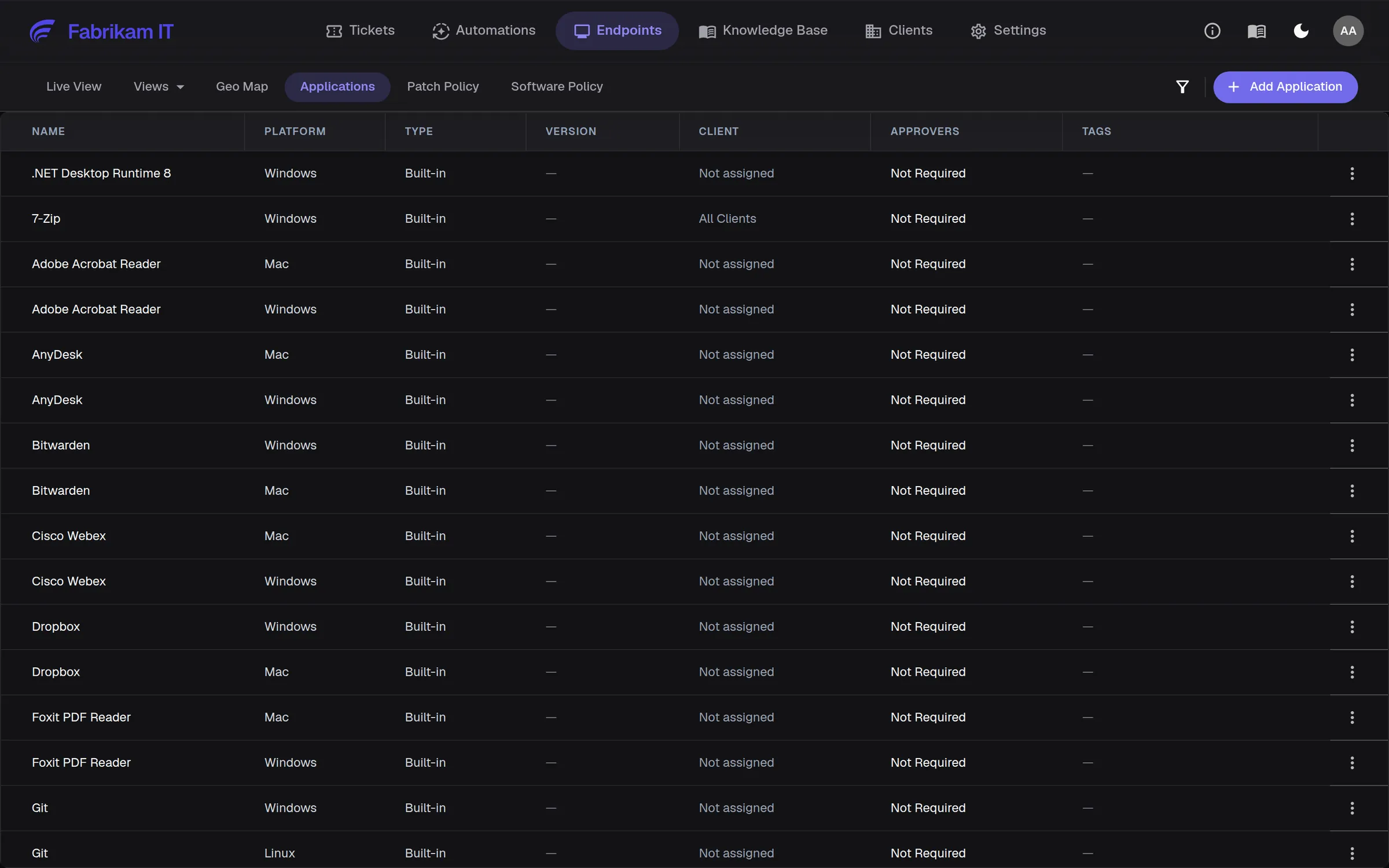
Standard software on every device, requests with approval
Install from a catalog of common apps for Windows, Mac and Linux, or your own installers. Bundles keep each client’s standard set on every device, including new ones, and users can request apps with approval.
Install, update and remove on one device or many
Client bundles applied to new devices automatically
Approvers per app
AI on the device
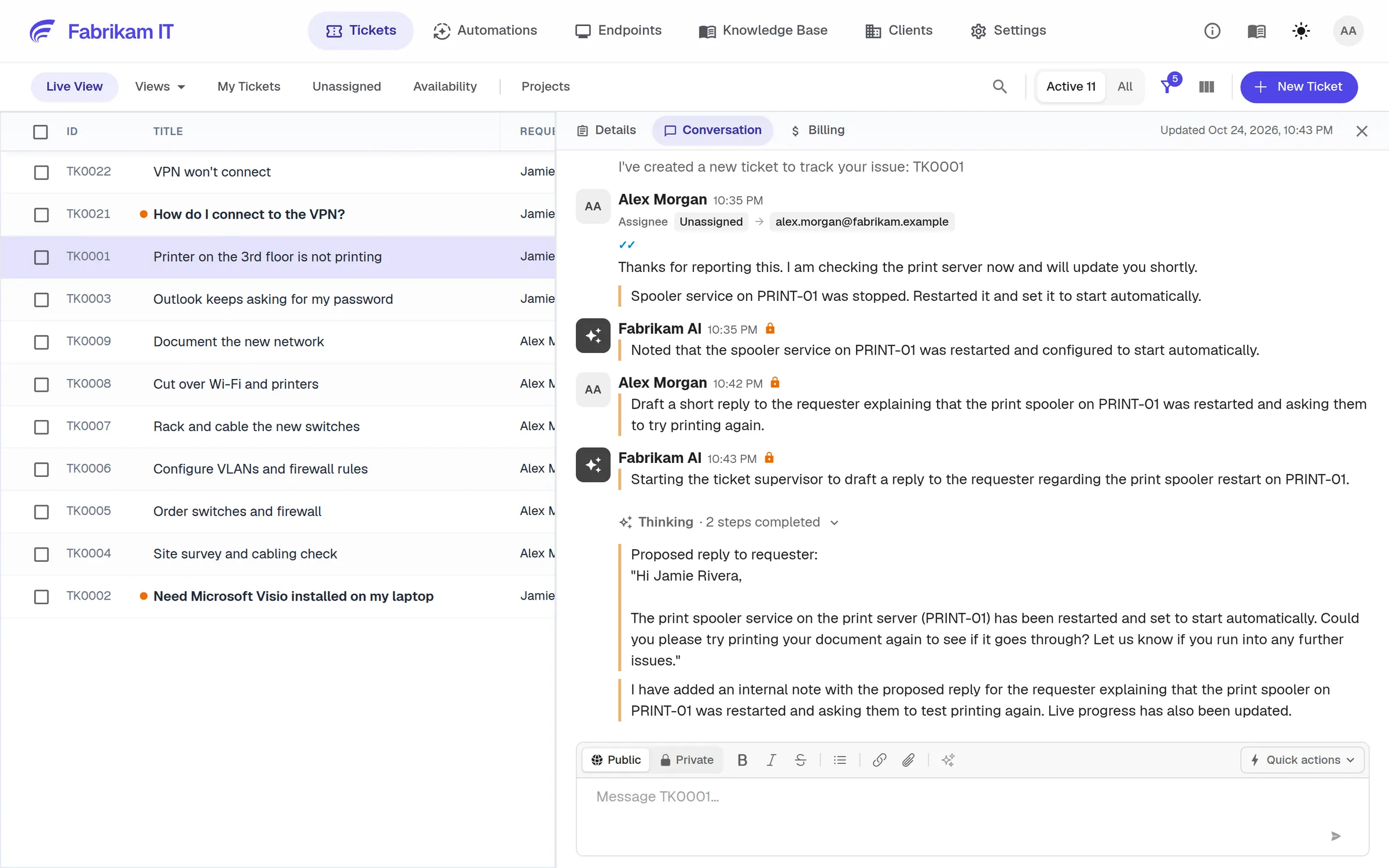
Connect device insight to the support request
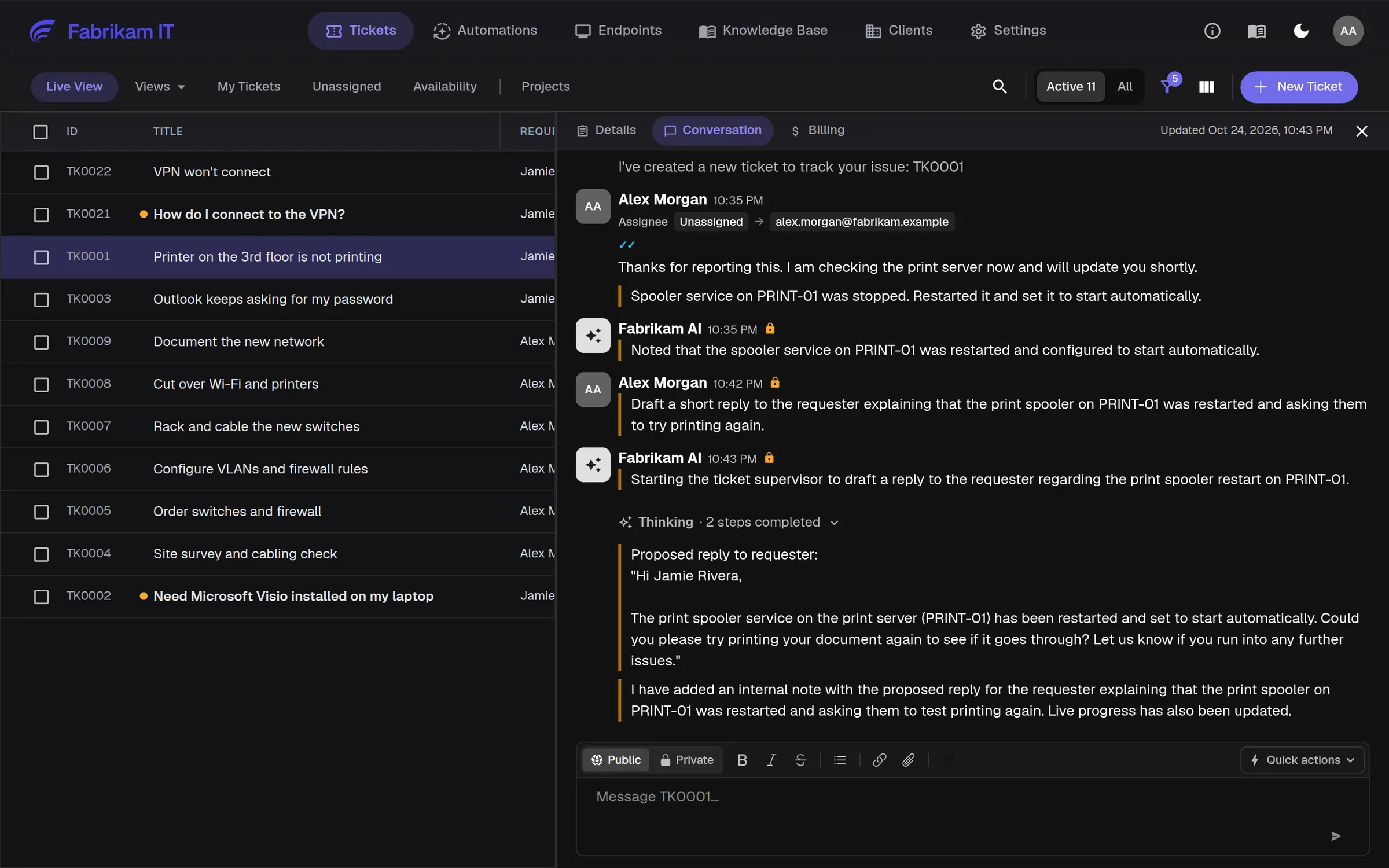
Run available diagnostics and approved fixes from the ticket. When a technician takes over, device details and results are ready for investigation or remote support.
Diagnostics attached to the ticket
Fixes run only where you allow them
Remote Connect when hands-on help is needed
The rest of a modern RMM
Live device view
Status, patches, client, site and user for every device, with saved views and a map.
Deploy your way
Microsoft Intune, a one-line install command or an installer for each platform.
Scripts with a second look
Run one script on many devices, reviewed by AI before it runs, with output per device.
Security tools, managed
Install and watch Bitdefender, ThreatDown, Huntress and Acronis from NetZen (early access).
For MSPs serving medium and large organizations
Customer operations
Manage device health, patching and software across customer sites, with policies suited to each environment.
User support
Investigate the device behind the request, including shared devices, and connect remotely when users need help.
NetZen is a great fit for MSPs with help desk teams. It can help technicians solve L1 and L2 issues faster, and the team is very responsive to customer feedback.

Questions
No. You pay per technician a month, and every device is included.
Yes. NetZen publishes the exclusions to add, and can install and manage Bitdefender, ThreatDown, Huntress and Acronis (early access).
Yes. Remote Connect starts a screen-sharing session through the agent, with the permissions you set.