Automations
IT automation that gives your team time back
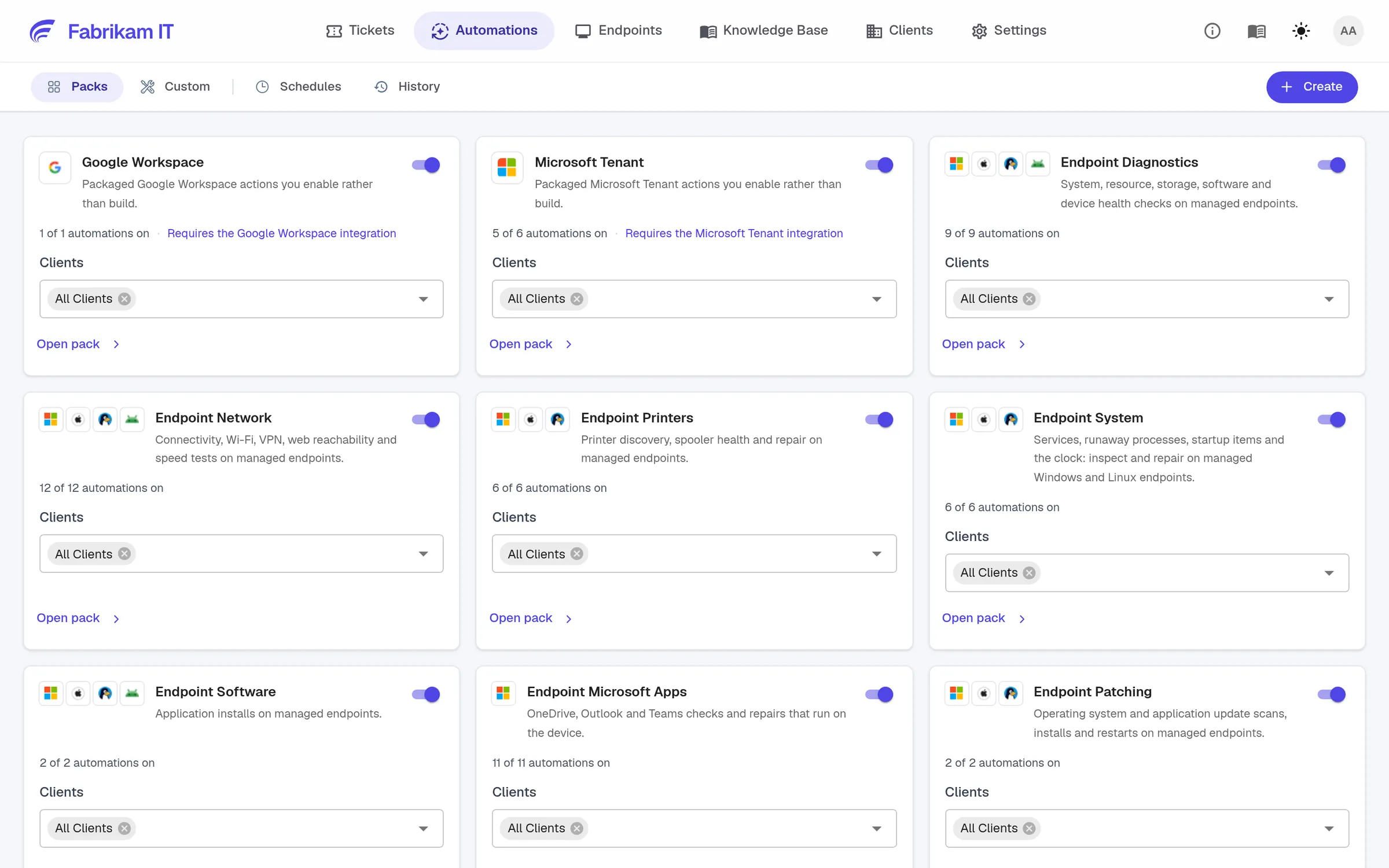
Reduce repetitive checks and routine fixes across devices and business applications. Your team decides what runs, where it runs and when approval is required.
Thanksgiving Offer
$50$100USD per technician per month*
Less manual work
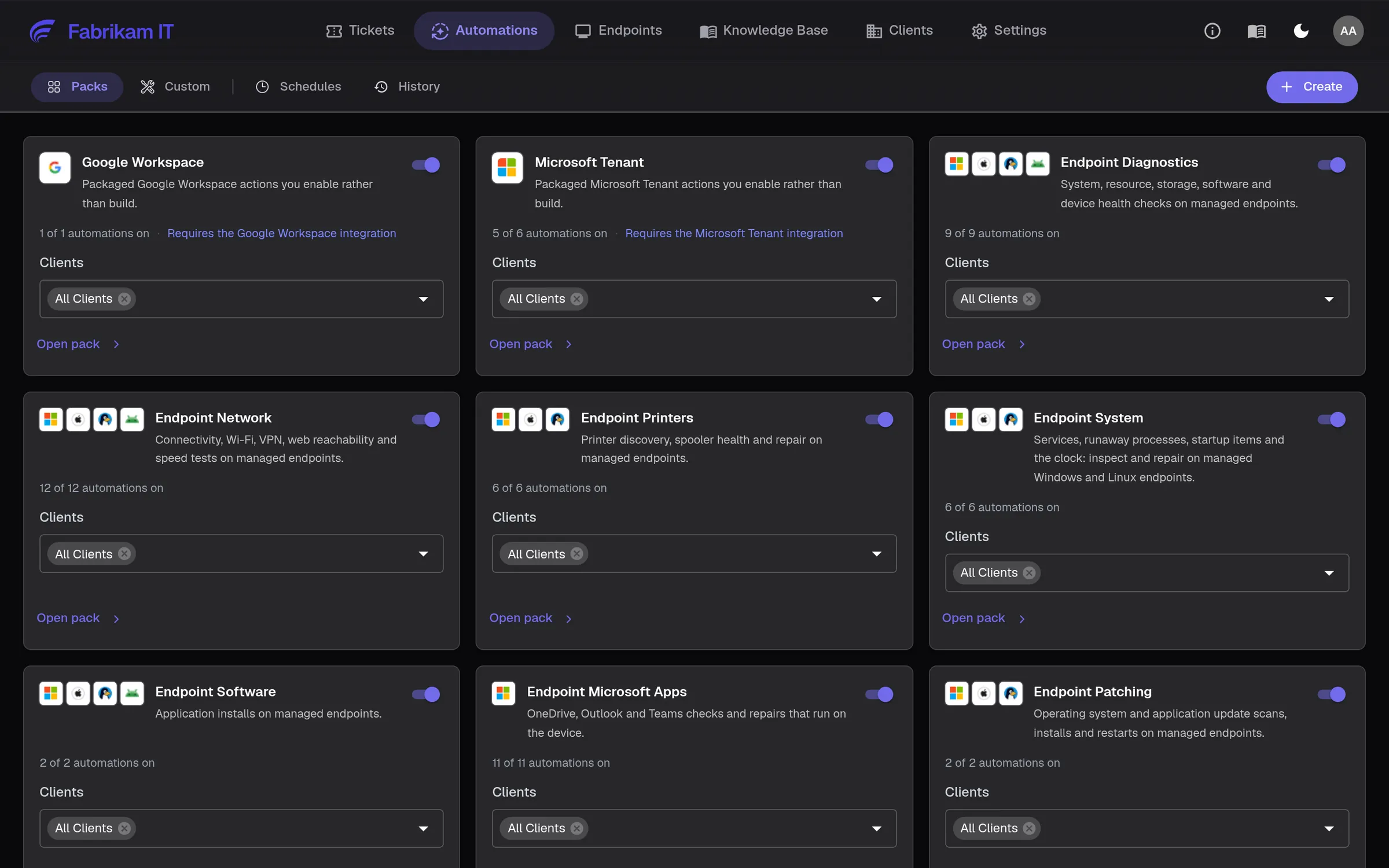
Use ready-made packs for common checks and fixes, then add your own workflows.
Control stays with your team
Set permissions and approvals to match the work and the customer.
Clear results
See what ran and what happened, with results linked to the request.
Control
Decide who can run what, and who approves
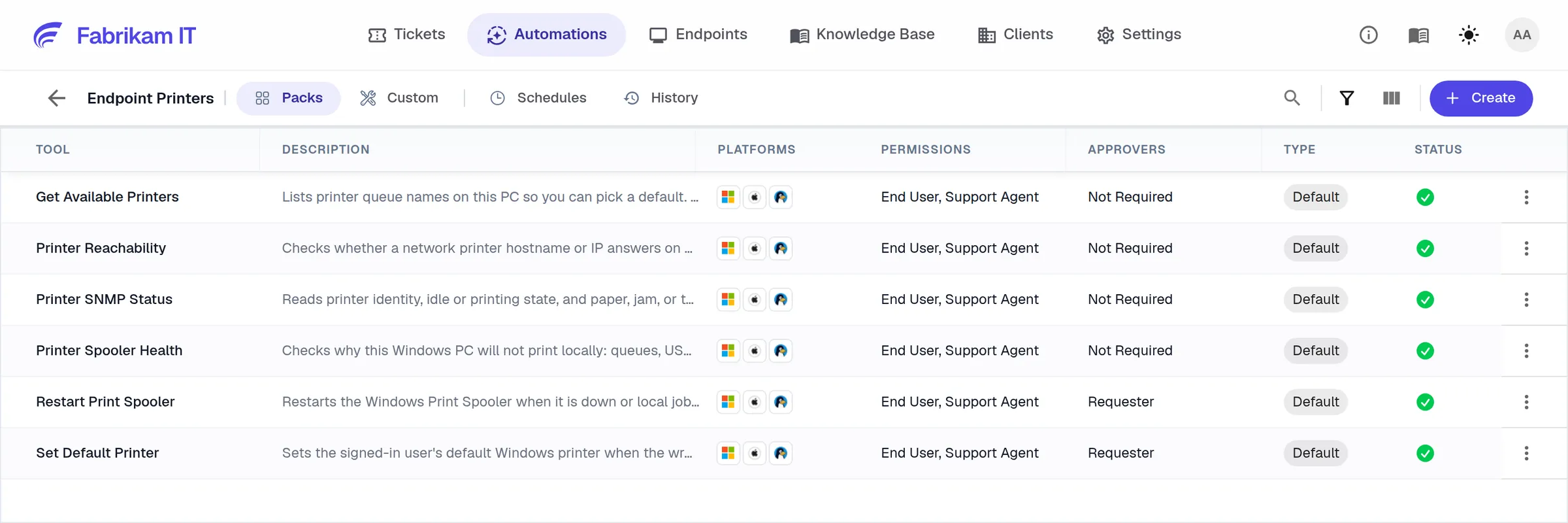
Each automation says whether end users, technicians or both can trigger it, and who must approve first: IT, the requester or a site manager. Set it per pack, per automation and per client.
Packs switched on per client
Approvers per automation
Results on the ticket, secrets kept out of view
Automate on devices, in the cloud and in the browser
Endpoint automations
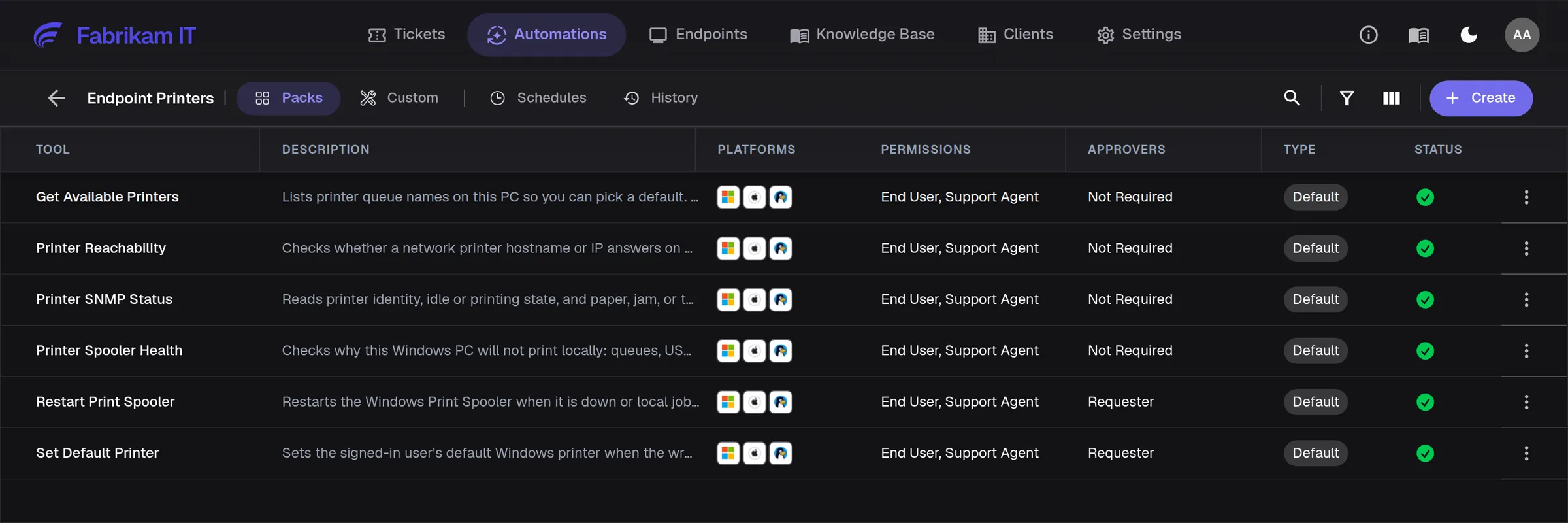
Fix printers, networks, services, disk space and software on Windows, Mac and Linux.
Microsoft 365 and Google Workspace
Read-only checks on accounts, licenses, mail and service health.
Your own scripts
Turn a script into a reusable automation with inputs, approvals and a schedule.
Website tasks
Record a task in a vendor portal once. NetZen turns it into an automation that runs in the cloud.
Schedules
Run maintenance on a schedule per client, with every run in history.
From the conversation
The AI picks the right automation from what the user describes and runs it with approval.
For MSPs serving medium and large organizations
Customer operations
Make recurring maintenance and support tasks repeatable across clients without losing control of each customer’s scope.
User support
Let AI handle enabled checks and approved routine fixes while technicians focus on issues that need their judgment.
NetZen seems much more aligned with where support operations are heading rather than just adding an AI integration onto an older model.

Questions
No. Packs cover common fixes. Add your own scripts, API calls or recorded website tasks when you want.
Yes. Schedule supported automations per client and review the results in run history. Run Books are not supported by schedules.