AI service desk setup and migration for MSPs
Move one client at a time: set up, migrate, test the AI on your own tickets, and go live in about 30 days. Your old tools keep running, and a person approves every change.
Why MSPs are moving. One platform instead of a PSA, ticketing tool and RMM bolted together; tickets that arrive with the details collected; devices checked before a technician picks them up. The case is in our guide; this page is the how.
Why MSPs are moving from traditional ticketingOne client, one approver, one KPI. Pick the pilot client, the person who approves the AI’s changes, and the number you want to move, such as time to first response. Everything else follows from those three.
Plan it with usWhat are the risks of moving to an AI service desk?
Five come up with almost every MSP we talk to. Your old tools keep running until you switch, and each risk has a guardrail you set before the AI touches a client.
The risk
The guardrail
Losing tickets in the migration
Migrate one client first and validate it against the old system before anyone relies on it. The old desk stays read-only for look-ups until renewal.
The AI acting without approval
Human in the loop by default: every fix has an approver, the requester, a technician or the site manager. A fix becomes autonomous only when you decide it has earned it.
Client pushback on AI
Clients keep Teams, email and the portal they know. The AI is named as AI, and an escalation path to a person is one click away at every step.
Technician resistance
Technicians stay the decision makers. The AI is the first responder: it collects the details, runs the checks, and hands over the findings.
A cutover that drags on for months
PSA switches often take months. A pilot client with the old tools in parallel puts your first client live in about 30 days, and each job cuts over on its own date, with one owner for each job until then.
Losing control once it is live
Switch off any automation pack or support channel at any time, and your settings are kept for when you turn it back on. Switching off stops new actions; it does not undo finished ones.
“I don’t want it to automatically fix it because it’s a security risk… it should be able to ask me, do you want me to solve this problem?”
Is your MSP ready to move to an AI service desk?
Most MSPs are readier than they think. Four things decide whether the first 30 days go smoothly.
A desk you can export from. Your PSA or ticketing tool can export clients, contacts and tickets; almost all can. Check the export rights and the renewal date in your contract now, not in the last month.
Knowledge the AI can be grounded in. Your top 20 request types written down somewhere: procedures, IT Glue or Hudu, even well-written old tickets. Current and correct matters more than volume.
A named champion and approver. One person who owns the plan, and one who approves the AI’s changes. Without a named driver, AI rollouts at MSPs stall.
A KPI you already track. Time to first response, first contact resolution or tickets per technician, taken from your current desk, so the pilot has a baseline to beat.
How do you move to an AI service desk, step by step?
Six phases, each with what we do and what your MSP decides. A weekly check-in and a priority list your team owns run through all of them.
Plan
Week 1
NetZen
Map how your desk runs today, what moves and what stays, and the renewal dates on your old tools.
Your MSP
Choose the pilot client, the KPI, your champion and your approver.
Configure
Week 1
NetZen
Directory, channels, knowledge, intake questions, SLA targets. About an hour to a first ticket.
Your MSP
Set the guardrails: which fixes are on and who approves each one.
Migrate the pilot client
Weeks 1 to 2
NetZen
Clients, people, devices, agreements, knowledge and open tickets, in sequence, with notifications off. A validation report of what moved and what did not.
Your MSP
Check the report and sign it off.
Validate on your own tickets
Weeks 2 to 3
NetZen
A shadow test: a sample of last month’s real tickets, worked by the AI as tests from your own company.
Your MSP
Technicians score it against your acceptance criteria. You call go or no-go.
Go live with the pilot
About day 30
NetZen
Devices, channels and the client announcement; gaps on your list closed between check-ins.
Your MSP
Approve the fixes. Your old RMM keeps patching in parallel until you cut it over.
Measure and scale
30 days after go-live
NetZen
Your KPI against the baseline, with approval rejections and requester feedback.
Your MSP
Scale, adjust or stop. Move the next client and cut over each job on its own date.
How do you set up an AI service desk?
Service desk setup is a short list of decisions, most made once. About an hour gets you to a first real ticket; from then on the AI works inside these decisions on every ticket and every channel.
- Connect your identity directory
Microsoft 365 or Google Workspace. Staff groups map to technician roles; your clients’ people sync the same way and stay current as they join and leave.
- Meet people in their channels
Teams with your own branded app, email, Slack, Google Chat, web chat and phone, all landing on one ticket. Omnichannel without asking the same question twice.
- Ground the AI in your knowledge
Your procedures, websites, IT Glue or Hudu, per client or shared. The AI answers from them; without a reliable answer, it escalates to your team.
AI knowledge base- Define intake and triage
Say in plain words what your team needs before work starts. Tickets arrive classified, prioritised and complete, with a technician suggested.
- Set business hours and SLAs
Hours per client site and targets per priority. The AI works to the same clock as your technicians.
- Set the guardrails and autonomy level
Turn on automations per client and pick the approver for each fix. Start every fix at assist or approve; move one to autonomous only when it has earned it.
AI automations- What to automate first, and what to keep human
Start where volume is high and risk is low: intake, triage, account checks and device diagnostics. Keep security changes, client exceptions and anything that can lose data with a technician until the approvals show the AI gets them right.
- Define the escalation path
Anyone can ask for a person at any point. The ticket reaches a technician with what was already checked.
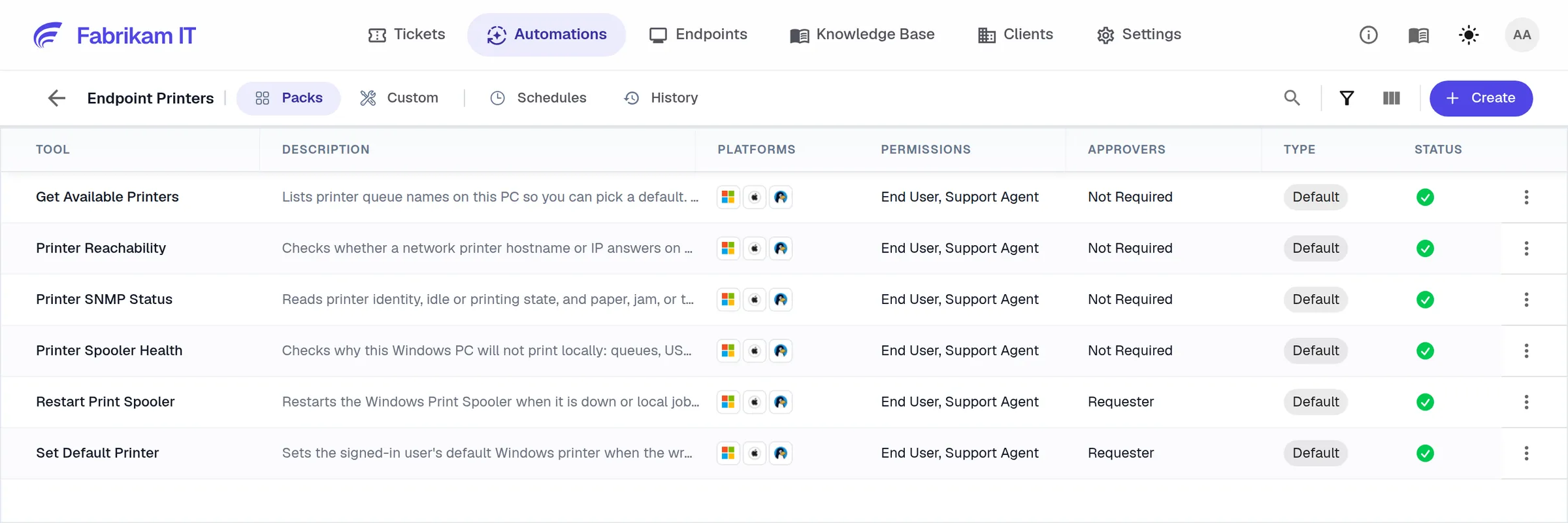
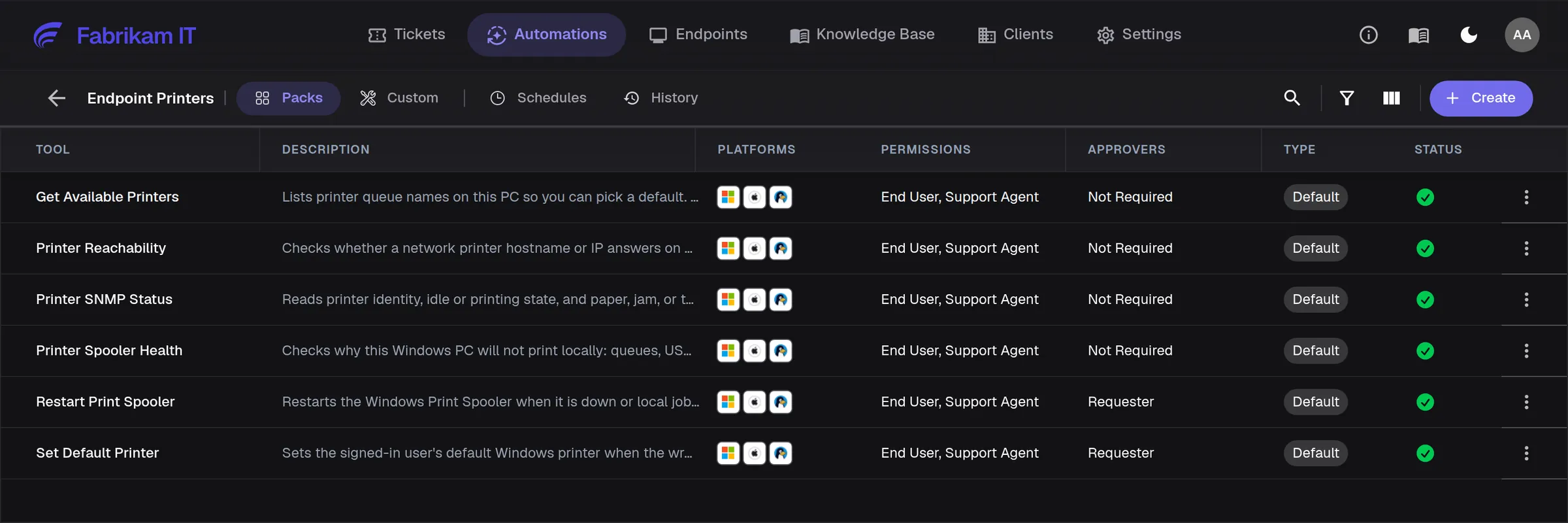
Help desk migration: what moves, in what order, and what stays
Clients, people, devices, agreements, knowledge and open tickets move with each client. A migration is done when the counts reconcile, a sample reads right, and your clients saw nothing they should not have.
- 1Clients and sites
- 2People
- 3Agreements
- 4Devices and knowledge
- 5Tickets
Test it on one client. Each step needs the one before: a ticket needs its client, its contact and its technician. Migrate one client, reconcile counts and a sample with the old system, then run the rest.
Validate before you sign off. Duplicates cleaned first, knowledge with its images and links, internal notes still internal, notifications off throughout, and replies to old ticket emails reaching the new desk.
Run in parallel, one owner per job. Deploy the new agent through your old RMM. Keep patching on the old RMM until that client’s cutover date, then turn it on in NetZen after the old patch job is off. Decommission the old agent last.
What stays. Passwords do not move. Security, backup, documentation, password manager and accounting tools stay, connected where NetZen supports them, such as IT Glue, Hudu, QuickBooks and Xero.
Integrations“We don’t want, like, if we switch over that suddenly there’s tickets being lost or anything, that would be bad, you know?”
How do you validate an AI service desk before go-live?
With a shadow test on your own tickets, before any client meets the AI. Your technicians see what it asks, checks and proposes on work they already know.
Shadow-test last month’s tickets. Run a sample of real tickets through the AI as tests from your own company. Technicians score each question it asked and each fix it proposed.
Include one it should escalate. Add a request the AI should hand to a person, not fix. It proves the escalation path and your approvers work before a client depends on them.
Acceptance criteria and stop conditions. Your service lead’s day-one must-haves, checked one by one, and what pauses the rollout, such as a run of rejected fixes or a client complaint, agreed before go-live.
How do you bring your technicians and clients along?
Change management happens in the step where each group meets the AI, not in a training programme.
- Owners and service leads
How the AI decides, who approves each change, how to switch it off, and the audit trail of what actually ran.
- Technicians
They meet the AI in the shadow test, scoring its work, and stay in the loop on every fix after go-live.
- Your clients’ people
A short announcement, a “how to reach a person” card, and a plain statement of how their data is handled. Their channels stay the same.
“I don’t want the customer to have to go through learning a new product every single time.”
Which KPIs show it worked, and when do you scale?
Thirty days after the pilot goes live, compare the KPI you chose (one of these, not all of them) with your baseline, then scale, adjust or stop.
| Measure | What to compare |
|---|---|
| Time to first useful response | Your old desk’s figure for the same client. An automatic acknowledgement does not count. |
| First contact resolution | Tickets closed without a second touch, before and after. |
| Deflection, with CSAT beside it | Requests the AI resolved, and whether requesters were happy with the answer. |
| Mean time to resolve | Hours from open to close, before and after. |
| Approval rejections | How often approvers rejected a fix, and why. A fix approved for the right reasons is ready to move up an autonomy level. |
Scale client by client, cut over job by job. Tickets, patching and billing each cut over on their own date, with a short freeze first and billing run in parallel for one period. Then decommission the old tools at renewal.
“I haven’t heard any negativity, everything’s actually been working well, especially with all the updates recently that’s come through.”
A monthly review. Your KPIs, and one new automation a month agreed with your service lead.
Contact usQuestions MSPs ask
About an hour to a first ticket, and about 30 days to your first client live. After that you scale client by client, at your pace.
Yes. We run the migration and configuration with you; your team gives time for decisions and validation.
A champion who owns the plan, an approver for the AI’s changes, and a few technicians for validation.
Yes. Switch off any automation or channel at any time. It stops new actions, not finished ones, and until each job cuts over your old tools are still there.
No. Start with one, usually Teams or a support mailbox, and add the rest as each client moves.
A one-line install, a push from your current RMM, or Intune for a fleet.
Open tickets and recent history move with each client. You choose how far back.
They should not. Notifications stay off while data moves, and you announce the change at go-live.
Security, backup, documentation, password manager and accounting. The AI service desk replaces the PSA, ticketing and RMM.
That is what the test is for. Fix the knowledge, the intake or the guardrail, and test again.
No. They learn the AI by scoring its work on tickets they already know.
No. Your tickets and knowledge are used to answer your requests, never to train general AI models.
Adjust the knowledge, the intake or the guardrails, and measure again. You can also stop.
It depends on how many clients you have and how different they are. You set the pace, one client at a time.
From an MSP using NetZen
“I love it because the AI actually takes care of a lot of confirming information with the customer or the manager that submits the ticket before we have to get to it.”
NetZen customer
See it with your team
Book a technical demo →Your first client live in about 30 days. Your old tools keep running until you switch.